1
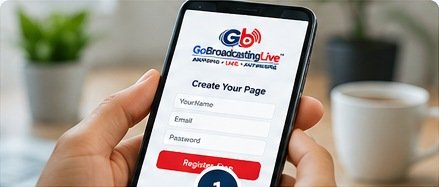
Create Your Free Page
Register free to reserve your Permanent Broadcasting Channel and personal web address, such as GoBroadcastingLive.com/YourName. Activation will be available at launch.
Language selection preview only; website translation is not connected yet.
Coming Soon. The interactive assistant is not connected yet.
For help, email info@gobroadcastinglive.com.
GoBroadcastingLive prohibits pornography, nudity and other content disallowed under its Zero Tolerance Policy. Broadcasts may be delayed by up to 30 seconds for automated moderation.
Reserve your own Permanent Broadcasting Channel, invite your loved ones, and use one personal web address for live events, replays and memories.
Register free to reserve your Permanent Broadcasting Channel and personal web address, such as GoBroadcastingLive.com/YourName. Activation will be available at launch.

Invite family, friends and guests by sharing your permanent link or QR code. They can open your page without paying or registering just to watch.

When the service launches and your page is activated, choose a streaming plan and broadcast your event from your phone, tablet, computer or compatible equipment.
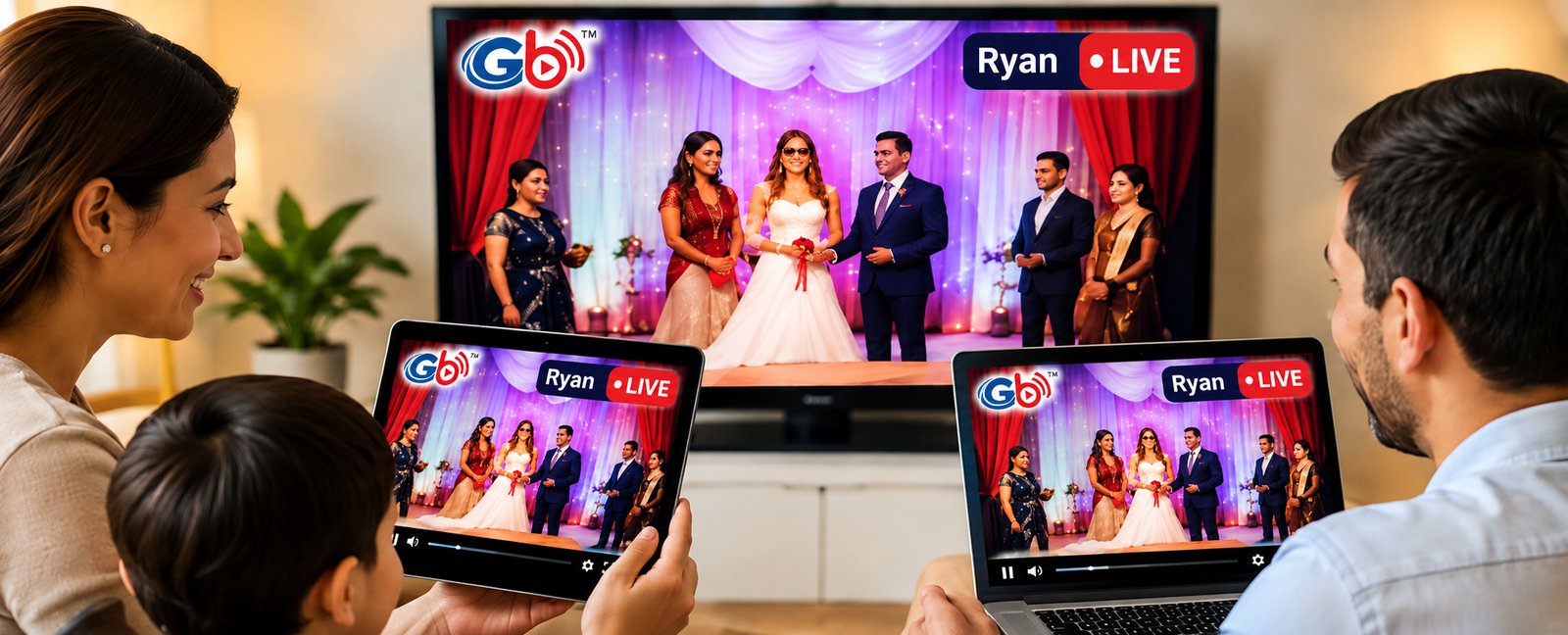
Your loved ones can watch from wherever they are. During a live event, the planned LIVE Messages feature will let viewers connect in real time.
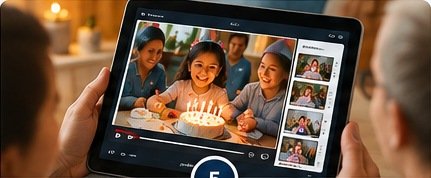
When a recording is available and saved to your page, guests can return to the same link to watch the replay.

Keep your personal web address for future events, photos, available replays and shared memories.